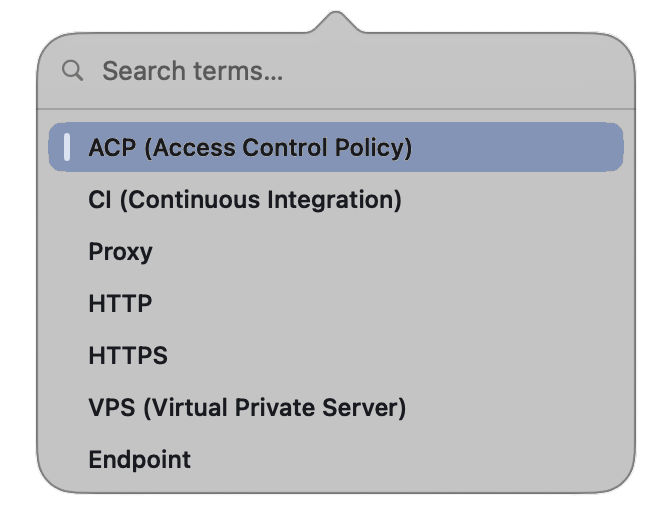

WAWE is a keyboard-first, distraction-free glossary that lives in your Mac's menu bar. Summon it from anywhere, fuzzy-search a term, and learn it in seconds — without ever touching the mouse.
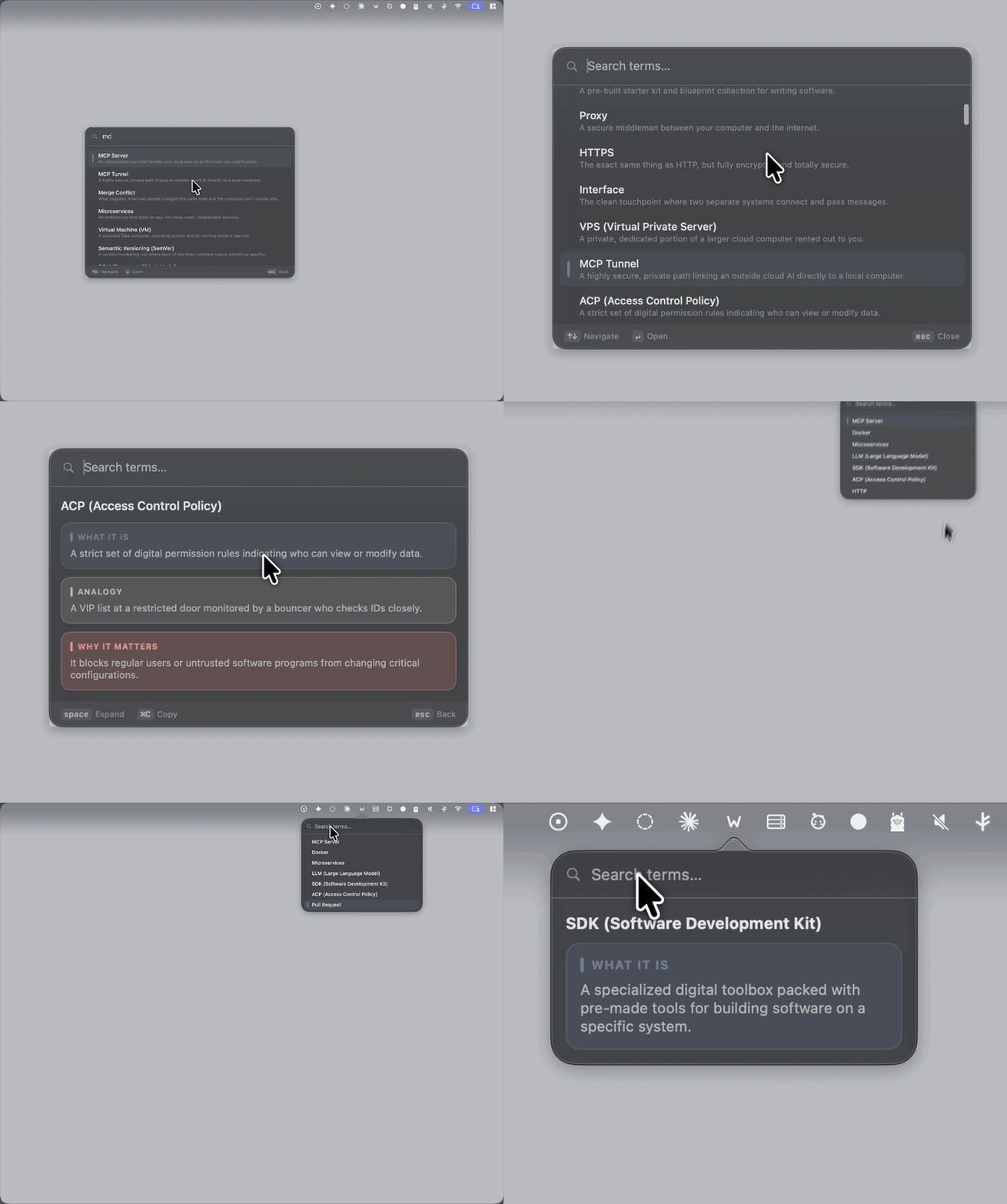
A working slice of WAWE, running in your browser with the same keys. Click the panel, then type. Frecency ranking, single-key disclosure and all.
⌥Esc shows or hides the overlay from any app — a Carbon global hotkey you can rebind to ⌃Esc, ⇧Esc, ⌘Esc, ⌃Space and more in Settings.
Type to filter. Frecency ranking floats your most-used terms up the list — without ever beating a better text match.
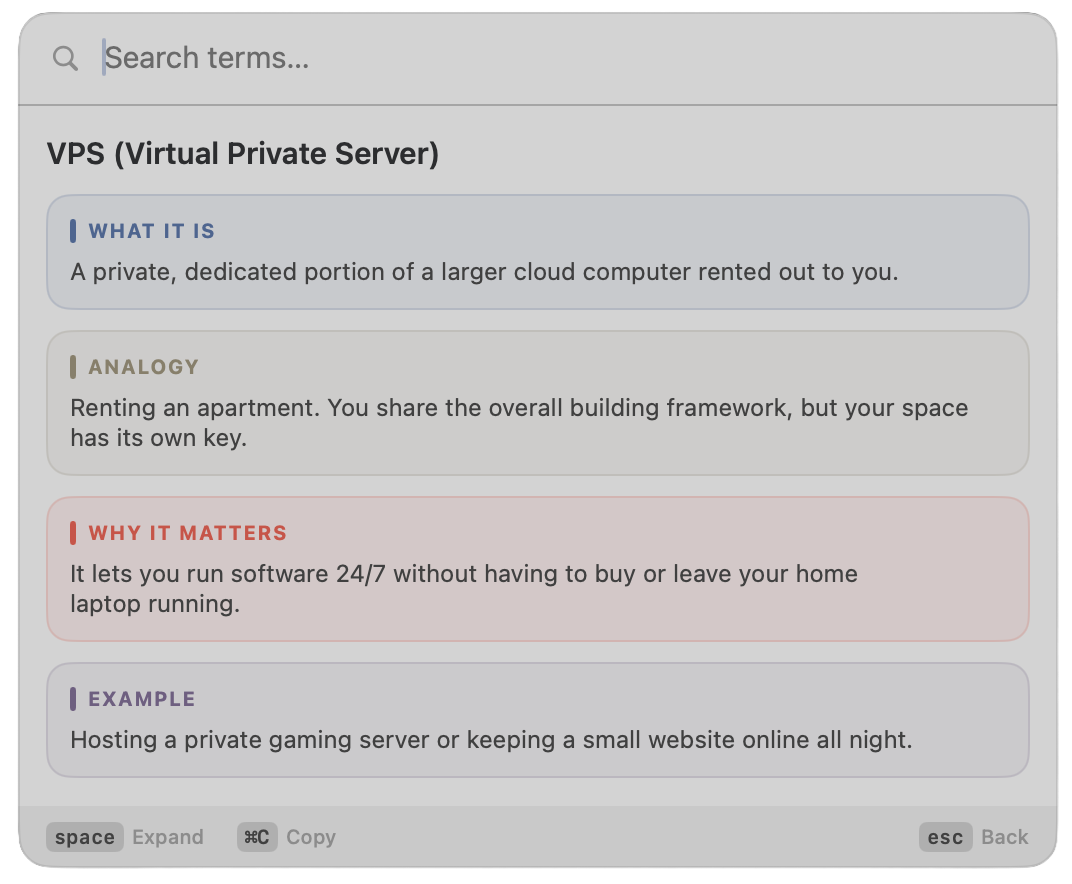
A one-line summary first, then Space unfolds Analogy → Why It Matters → Example, one block per press. Once everything's open, it closes them back down, on a loop. Cognitive load stays minimal.
A centered, Raycast-style Overlay panel, or a compact Mini dropdown straight from the menu bar. Three panel sizes, Light / Dark / System theming.
An editable glossary.json is the source of truth — add terms without rebuilding. Bad JSON? The app keeps the built-ins and tells you. Updates merge in new built-ins without touching your edits.
The DMG is signed with a Developer ID and notarized by Apple — it opens with a normal double-click, no Gatekeeper prompts. MIT licensed, 100% Swift.
A centered, Raycast-style panel — summon it from any app with ⌥Esc. These buttons flip the whole site, and the app with it.
Psst — there's a Mini mode hiding in the menu bar at the top of this page. Click the little WAWE icon.
Or grab the signed, notarized WAWE-x.y.z.dmg from the latest release and drag WAWE into Applications. If Homebrew flags the tap as untrusted, run brew trust aka-kika/wawe once and install again.
What It Is · Analogy · Why It Matters · Example — the four tiers each term unfolds through. The pedagogy is the name.
No. Summoning, searching, opening, revealing, copying, and dismissing are all keyboard-driven. The mouse works, but nothing requires it.
Yes — on first launch the app seeds an editable file at ~/Library/Application Support/WAWE/glossary.json. Settings → Copy Template gives you the exact JSON shape; paste it in, then Reload. When an update ships new built-ins, they're merged in automatically without touching your terms.
147 terms across AI/LLM, dev practice, data, security, web, and systems — each with a one-line summary, a vivid analogy, a why-it-matters, and a concrete example.
Free and MIT-licensed, source on GitHub. The DMG is signed with a Developer ID, notarized by Apple, and stapled — so it opens with a normal double-click, no "damaged" or "unidentified developer" prompts.
Yes — Xcode 27 / Swift 6.4 on macOS 26+. swift run WAWE to run in dev, swift test for the unit tests, and scripts/build-app.sh for a local WAWE.app.